
Installation · UK
Your Tracker.
The Right Fit.
Choose your device below. Follow the instructions supplied with your specific unit; these guides help you understand the installation journey.
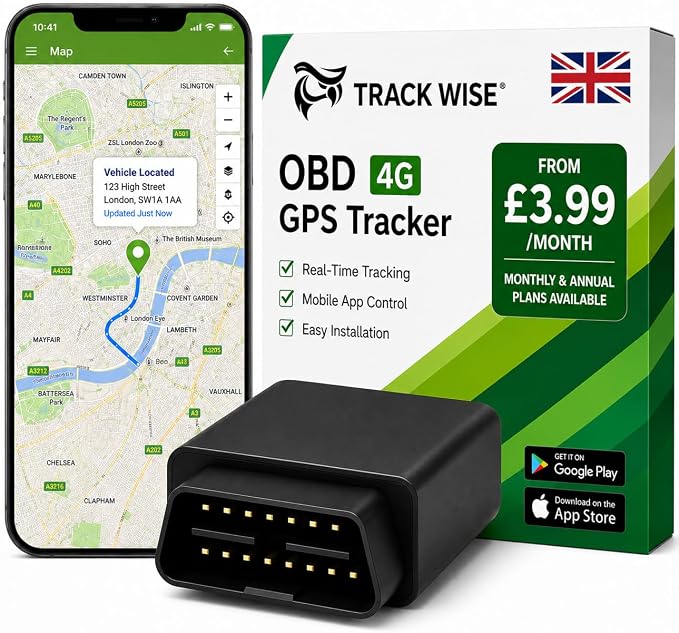
£6.99/month, including VAT. Cancel anytime.
Pulse & Pulse 4G
Plug Into a Compatible
OBD2 Port.
- Check compatibility and location.Find the diagnostic port using your vehicle’s handbook. Confirm that the device fits without obstructing vehicle controls or the driver.
- Fit your tracker.Follow the supplied instructions and insert the tracker securely. The device takes power from the vehicle.
- Activate and check.Choose your subscription and confirm the device appears in your tracking account.
Pulse is UK-only and uses 2G. Pulse 4G requires the correct regional version.
Core 4G
A Discreet,
Permanent Installation.
- Plan the installation.Choose a suitable dry, protected location according to the supplied instructions. Core is not waterproof.
- Connect the two power wires.The red and black wires identify the power connections. Follow the manufacturer’s installation and electrical instructions for your exact device and vehicle.
- Secure, activate and confirm.Secure the unit and wiring, activate your plan and check tracking in your account.
If you are not experienced with vehicle electrics, use a competent installer. This overview does not replace the supplied installation instructions.
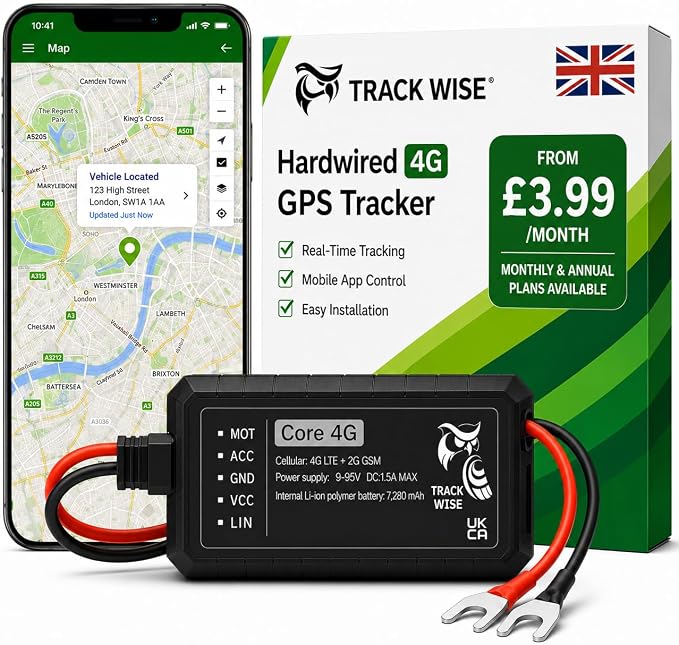
£6.99/month, including VAT. Cancel anytime.
Installation Guides
Choose the right fit and get your device installed.
Read the guide →02Already Activated?
Check map and time settings for your first journey.
Finish your setup →03A Real Team to Help
Get help choosing or using your Track Wise device.
Contact support →Your Vehicle. in View.
Find the Track Wise tracker that fits your vehicle and your day.